The most advanced QR Code Generator with logo online

You need a paid plan to use this feature

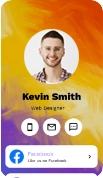
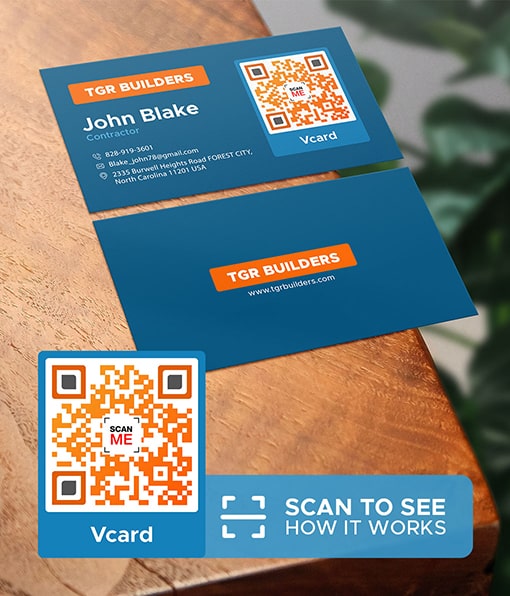
Now users can save your business information with just a scan and a tap.

No credit card required
  • STEP 1
  • Enter the URL
Required field
Static QR

We recommend creating a dynamic QR code if you want to track performance and edit data even after printing.

  • STEP 1
  • Complete the vCard data entry
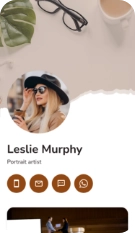
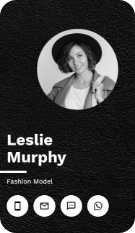
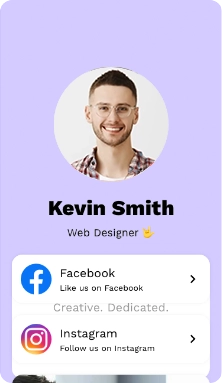
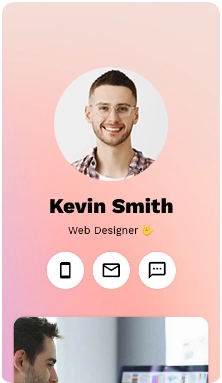
Page Template
(Click on the template you like)


Image 1
Image 2
Image 3
Image 3
Image 3
Image 3
Image 3
Image 3
Image 3
Image 3
Image 3
Image 3
Image 3
Image 3
Image 3
Image 3
Image 3
Image 3
Image 3
Image 3

Personal description

Profile image
Profile Photo
(400x500px, 4:5)
Brand Logo
(400x500px, 4:5)

Background Color

image
Title, Description

View Type

List
Grid 1
Grid 2
Photos (600x600px, 1:1, 4:5 Ratio)
video
Title, Description

Video Link

PDF Gallery
PDF URL (Please enter thePDF URL or upload)
or
PDF Thumbnail (250x250px, 1:1 Ratio)
Title
Subtitle
PDF URL (Please enter thePDF URL or upload)
or
PDF Thumbnail (250x250px, 1:1 Ratio)
Title
Subtitle
Enter your Facebook Page URL here

We only provide dynamic QR codes for vCards since they contain a lot of data.
  • STEP 1
  • Upload File and Generate QR code
Supported formats:
  • pdf
  • JPEG
  • PNG
  • MP4
  • Excel
  • word

5mb

Regular

10mb

Advanced

20mb

Premium

We only provide dynamic QR codes for File Solution.

  • STEP 1
  • Set up your social media page

Add Social Media

Add Social Media

Facebook page URL

Required field

Facebook page URL

Required field

Facebook page URL

Required field

Customization

Primary Photo (300 x 300 px, 72dpi)
Header text
Header text
Background
Themes
Popular widget
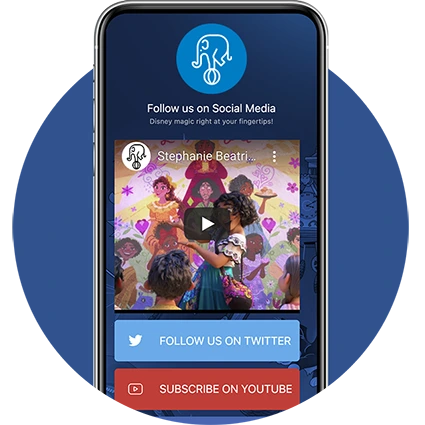
Brands that use social media QR codes saw an increase of 30% in followers.

We only provide dynamic QR codes for Social Media QR code.

Tab 5 Content
Tab 6 Content
  • STEP 1
  • Enter the Multi-URL and Generate QR code
Type
Default URL
Required field
URL for number 1

Enter a maximum number of scans before the user switch to another url

Number of scans
Required field
URL
Required field
URL for number 2

Enter a maximum number of scans before the user switch to another url

Number of scans
Required field
URL
Required field

We only provide dynamic QR codes for Social Media QR code.

Tab 8 Content
  • STEP 1
  • Enter the URL of your App Store or Google Play
URL for iOS
Required field
URL for Android
Required field
URL for Harmony

We only provide dynamic QR codes for File Solution.
Tab 10 Content
  • STEP 1
  • Upload File and Generate QR code
Supported formats:
  • MP3
  • WAV

5mb

Regular

10mb

Advanced

20mb

Premium

We only provide dynamic QR codes for File Solution.
Tab 12 Content
  • STEP 2
  • Customize your QR code
Pattern
Eyes
Logo
Colors
Frame
Frame
You can customize these templates later to match your brand
Content for Tab 2
Content for Tab 3
Content for Tab 4
Content for Tab 5
Content for Tab 6

Always scan to test that your QR code works

qr preview

Trusted by The World's Top Brands

Gusano
Gusano

We're highly rated
on top software review sites

Businesses love our breakthrough QR code technology for its flexibility and advanced features

4.7 stars on G2
5 stars on SourceForce
4.5 stars on Trustpilot

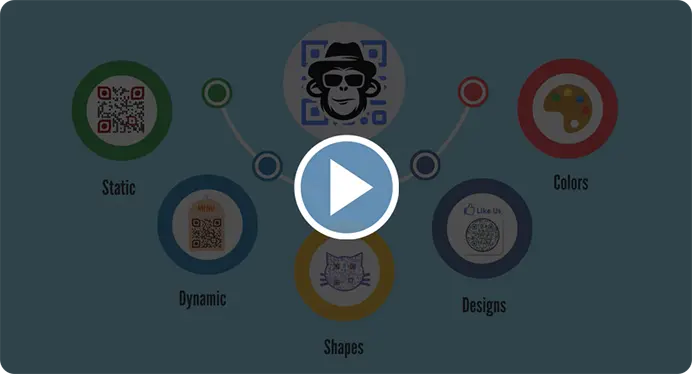
A Quick Walkthrough

Why QR Code platform is important for your marketing and how QRCodeChimp helps you win!

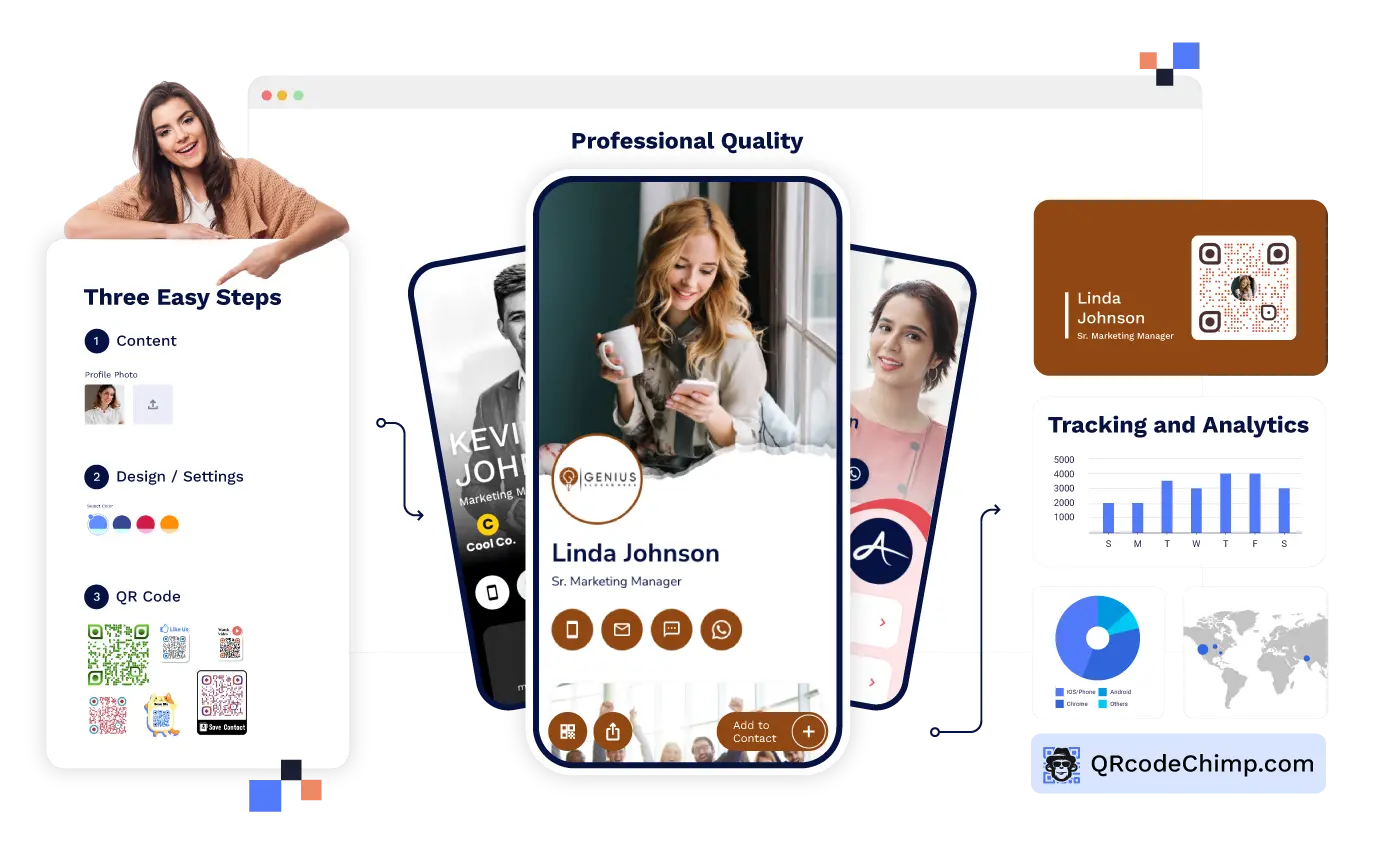
A Highly Optimized And Trusted QR Code Platform

Frequently Asked Questions

QR Codes
The 'QR' in the QR code stands for ‘Quick Response Code’. A quick response code is a two-dimensional matrix barcode capable of storing data. It was invented by Japanese company Denso Wave originally for use in logistics in 1994.

Image to QR Code

Convert your logo to QR Code that would attract your customers! With just a little over 5 minutes learning curve you would become better than professionals to convert any image to a cool QR Code.